Comparing WordPress versus Laravel is complicated because both "platforms" have little in common except for their use of PHP. However, it’s essential to understand the differences between the two options to determine how to build your next project.
In this blog, we’ll discuss who should use WordPress and Laravel. We’ll cover customization options, ease of use, security, and more. Let’s dive in!
WordPress vs Laravel: Who are they for?
It’s important to understand that WordPress and Laravel are two very different types of software. However, they are both ‘solutions’ that allow you to build websites and online applications.
WordPress
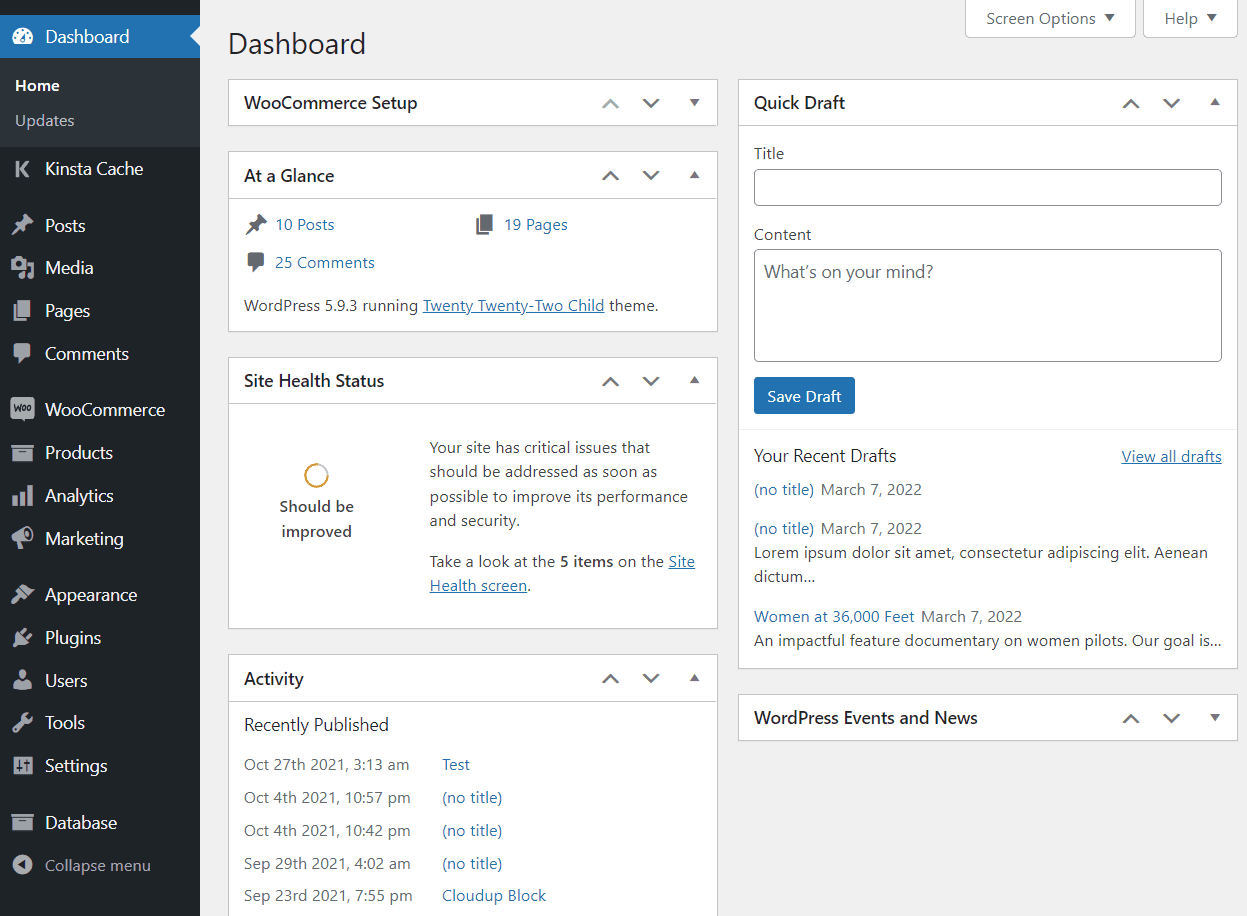
WordPress is a Content Management System (CMS) that lets you build sites using visual tools. You get access to a Block Editor that works similarly to page-building software and a dashboard with options for creating and managing content, user accounts, and more:
 On paper, WordPress is a blogging platform. However, the CMS is incredibly versatile—so much so that 43% of all existing websites use it. As a result, it’s suitable for everything from eCommerce stores to personal blogs.
If you use the open-source version of WordPress, you’re not even limited to a specific web host. You can set up the CMS on any server you like.
Laravel
Laravel isn’t a CMS but a “framework” for the PHP programming language. That’s the same language that powers WordPress. However, Laravel doesn’t offer visual tools or dashboards to help you build a website:
 With Laravel, you get a library of pre-programmed functions to assemble a website. That process happens from a Command Line Interface (CLI) called Artisan.
To use Laravel, you need to be familiar with PHP, even if you interact with the framework using a scripting language. While that process might sound complicated, using Laravel can be remarkably simple if you have a development background.
Laravel isn’t a ‘platform’ you can pick up without programming knowledge. If you don’t have a background in web development, WordPress is definitely the better choice.
That said, WordPress isn’t just a platform for beginners. The CMS is incredibly customizable, and you can use it to develop websites with highly complex functionality.
WordPress vs Laravel PHP Framework: Ease of Use
While WordPress and Laravel offer such different experiences, we can compare how easy they are to use. Let’s start with WordPress.
WordPress
WordPress is easy to learn, even if you have no experience with web development. It can take some time to go from zero to a fully built website. However, you have an amazing wealth of resources and tutorials for the CMS. Combine those resources with an intuitive dashboard, and WordPress is a beginner-friendly option:
 Once you’ve gained some experience using WordPress, you should be able to create new pages and entire websites relatively quickly. You’ll practice using the Block Editor, know which plugins to use in certain situations, and get an idea of which themes work for different sites.
Laravel
If you don’t have a background in web development or experience using the command line, Laravel can be overwhelming. However, you don’t need to be a master programmer to use Laravel.
Basic knowledge of PHP and CLI functionality should be more than enough to unlock Laravel’s potential:
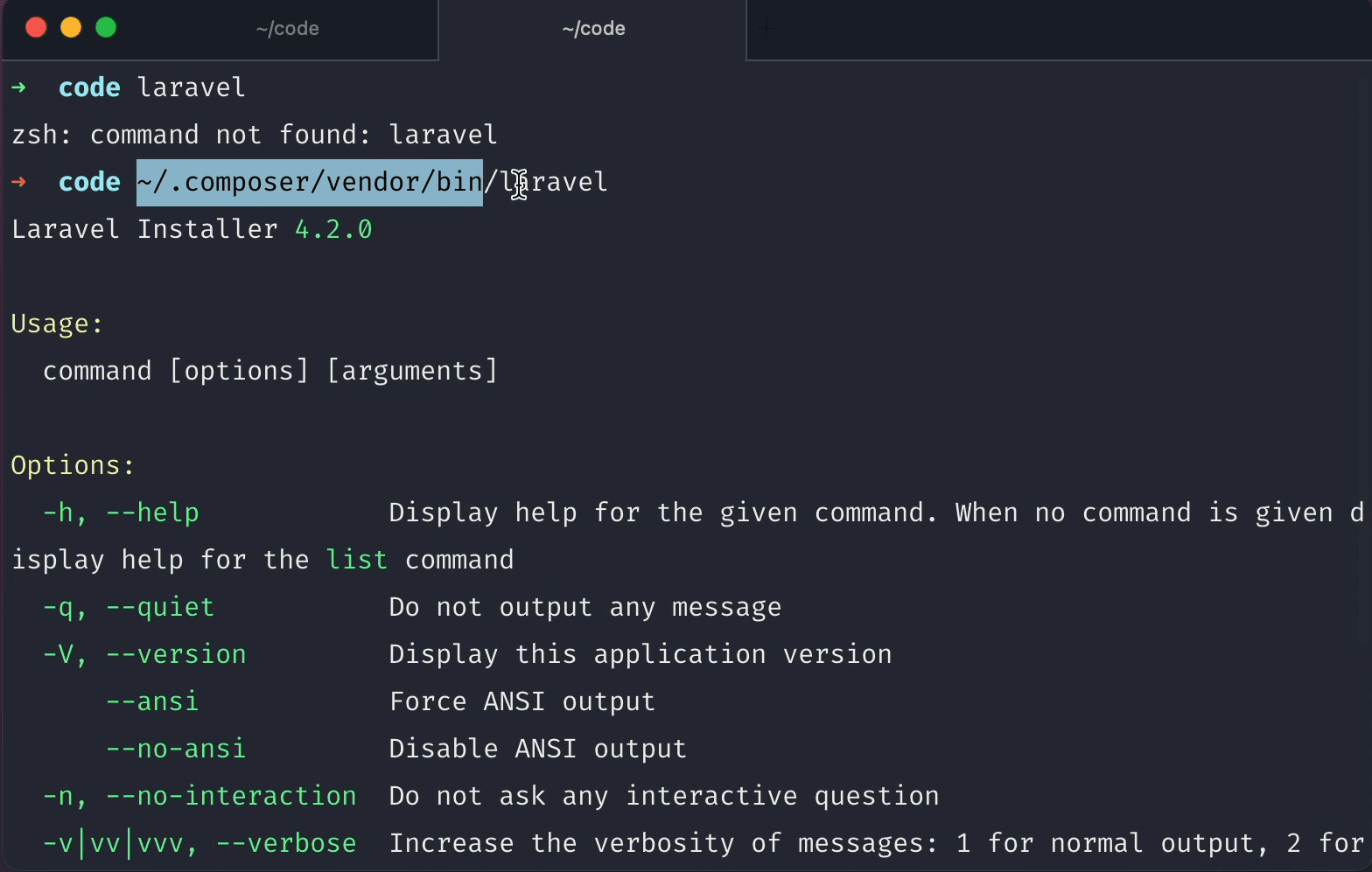 Laravel offers extensive documentation to help you get started. For the best possible experience, we recommend checking out the Laracasts library. The library includes in-depth video tutorials to get you started with Laravel. You’ll also learn how to use some of the many ‘packages’ or pre-built features the framework offers.
If you want a ‘simple’ setup, Laravel offers some ‘starter kits’ that include various features, including scaffolds (the base structure for any Laravel app you create). You can use starter kits like Laravel Jetstream for faster application deployment:
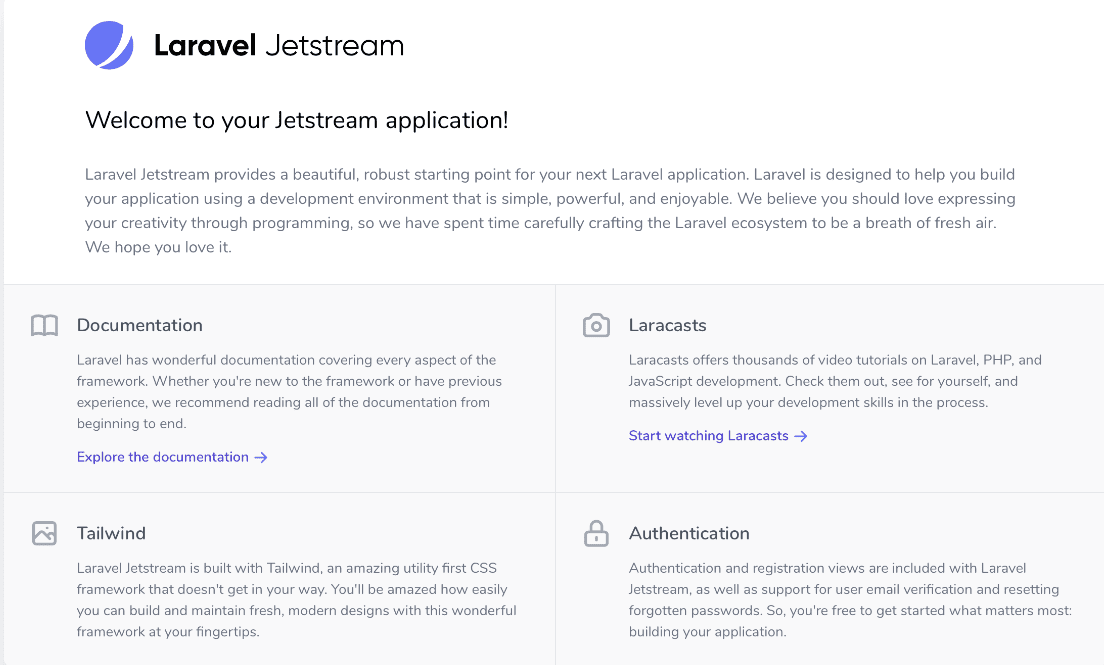 Undoubtedly, the learning curve for Laravel is steeper than WordPress. But again, we’re talking about two options for web projects with totally different approaches. If you’re familiar with the command line, you can set up a Laravel project on your server and start publishing pages within minutes.
WordPress vs Laravel PHP Framework: Customization
Both Laravel and WordPress offer a wealth of customization options for any project you work on. Here’s how they compare.
WordPress
Most people customize WordPress using plugins and themes. Plugins are add-ons that can add new functionality to the CMS. Fortunately, there are thousands of plugins available to use, and many of them are free:
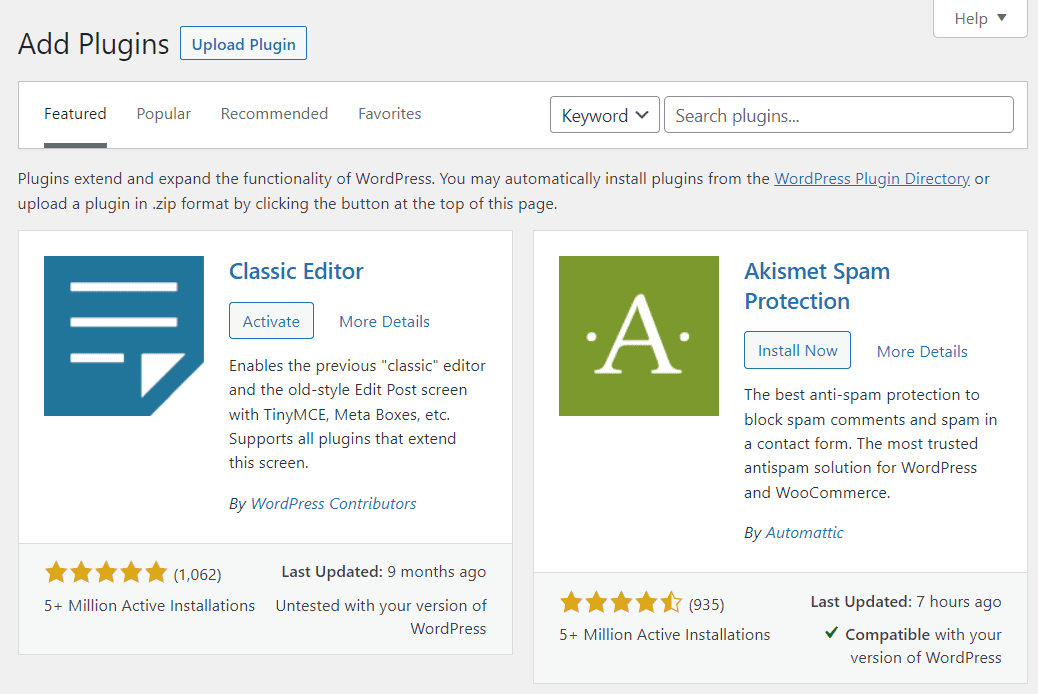 Plugins don’t just add new features to WordPress; they also allow you to change the core aspects of how the CMS works. For example, if you don’t like the default Block Editor, you can replace it with a page-building plugin like Divi. With WordPress, you can develop almost any type of online project you can imagine.
If you have experience with web development, you can also edit WordPress code and create new plugins and themes. In short, every aspect of WordPress is customizable.
Laravel
With Laravel, you start every project from scratch and choose which dependencies and packages to use. That means every website built with Laravel only includes features that are manually added:
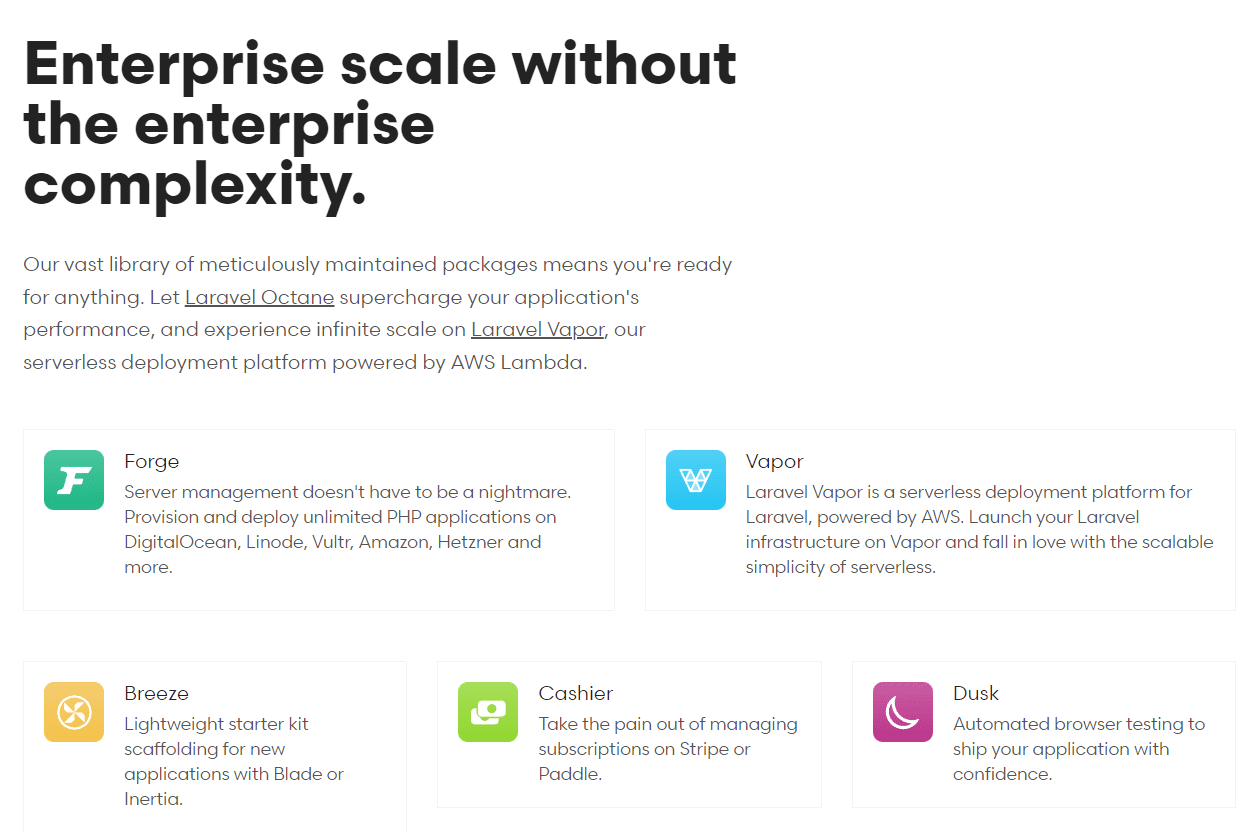 The Laravel model means every project has a unique set of features. With Laravel, you can add or remove any package since the framework uses a modular system.
While some packages can add a visual interface to your Laravel website, you should expect to perform most operations via the command line. That means you’ll need to understand Laravel syntax and feel comfortable managing a web project through commands.
WordPress vs Laravel PHP Framework: Themes and Templates
Many platforms offer themes and templates to customize your website’s style. Themes let you quickly try out new designs and improve your website’s appearance without coding. Here’s how WordPress and Laravel handle themes.
As you may know, WordPress offers an enormous collection of themes, both free and premium. You can search for and install themes without leaving the dashboard and change options almost instantly:
 And if you look beyond free options, many premium themes add new functionality to WordPress, such as themes for building pages (like Divi). The biggest challenge with themes is usually settling on an option, since there are so many.
You can fully customize every aspect of the themes you use. Additionally, you can edit page templates with the Block Editor in WordPress.
Laravel
Laravel uses the Blade templating engine by default. This lets you manually create layouts, which is more efficient than building entire pages from scratch. However, you still need to code each section and element of your Blade templates.
Alternatively, you can use CSS preprocessors and frontend toolkits. One of the most popular options among Laravel users is Bootstrap:
Toolkits like Bootstrap support and offer themes. However, these are not specific to Laravel itself, but to the preprocessor you’re using.
While the lack of a theming system may be a drawback for some, the open approach Laravel takes is quite appealing. Since you’re working with a framework, you’re free to use any frontend toolkit. As a result, you can choose from hundreds or thousands of templates if you take the time to set things up.
If you’re looking for Laravel templates, you’ll find some options for admin dashboards. Keep in mind that Laravel does not come with an admin panel or dashboard. However, you can build one and use Laravel templates to customize the styling:
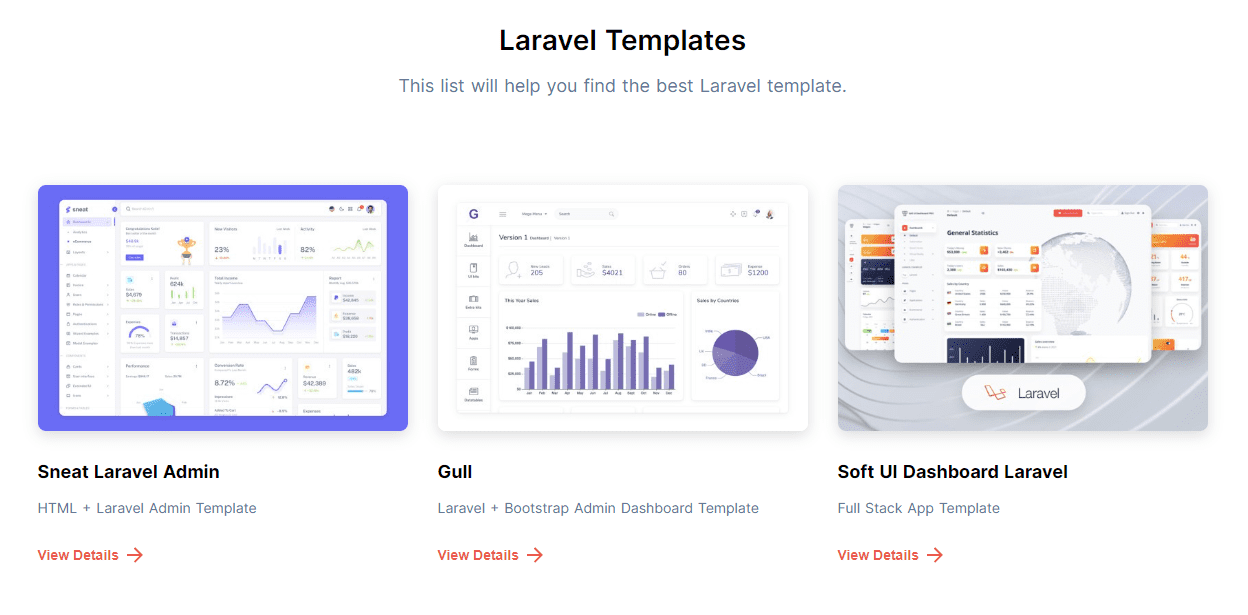 These templates typically require dependencies and frontend toolkits to work. Additionally, you still need to configure Laravel to work with the template and display data through it (some packages can handle this).
WordPress vs Laravel PHP Framework: Publishing Tools
While Laravel isn’t necessarily a “publishing” platform, it can fulfill that role with the right approach. Let’s discuss how WordPress and Laravel compare when it comes to publishing tools.
WordPress
Publishing posts and pages is at the core of the WordPress experience. The CMS focuses on providing tools to easily create and manage pages and blog posts. The Block Editor reflects that with its visual approach to page building:
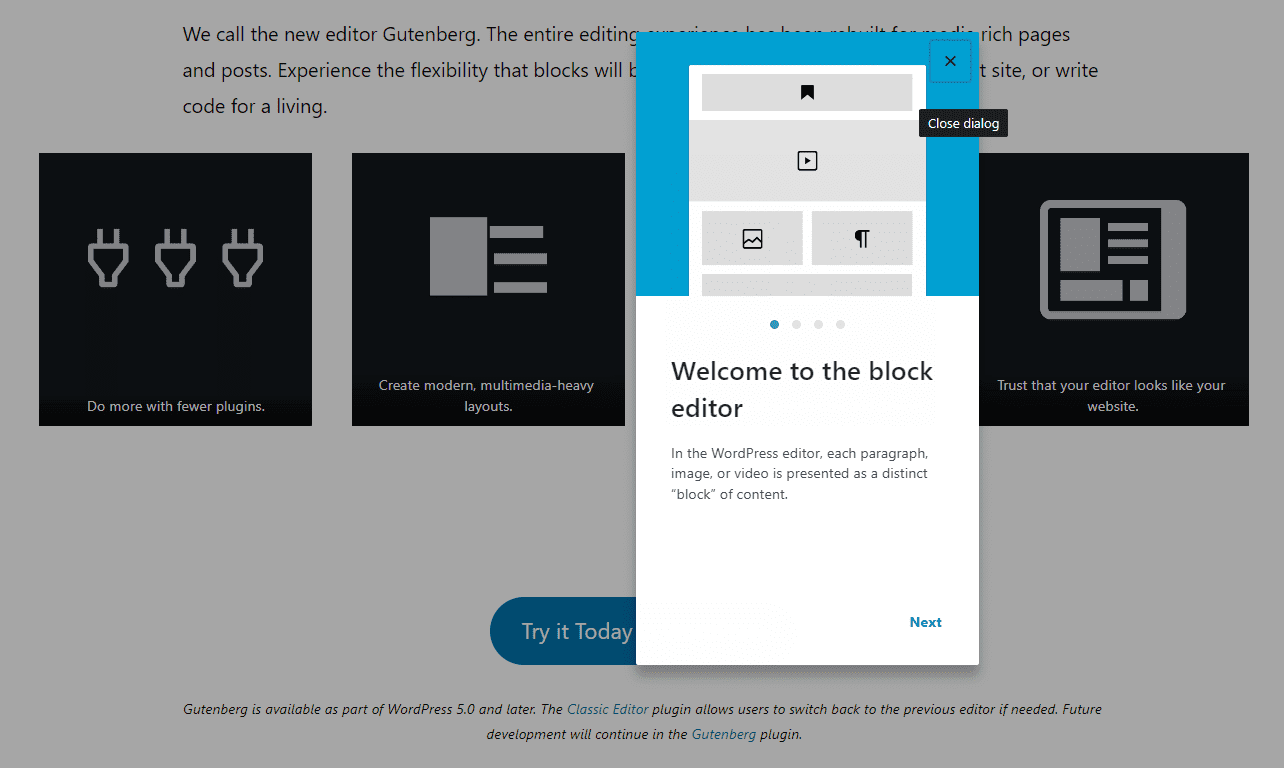 WordPress also offers functionality for managing posts. You can edit, update, and delete posts at any time. Even if you have a massive content library, WordPress makes it easy to manage.
Laravel
Laravel does not include built-in publishing tools. However, with the right packages, you can easily change that. Some Laravel packages focus on adding blog and publishing functionality to the framework.
An example is Laravel Blog. This package adds a dashboard that looks like WordPress and a classic text editor for publishing new posts and pages:
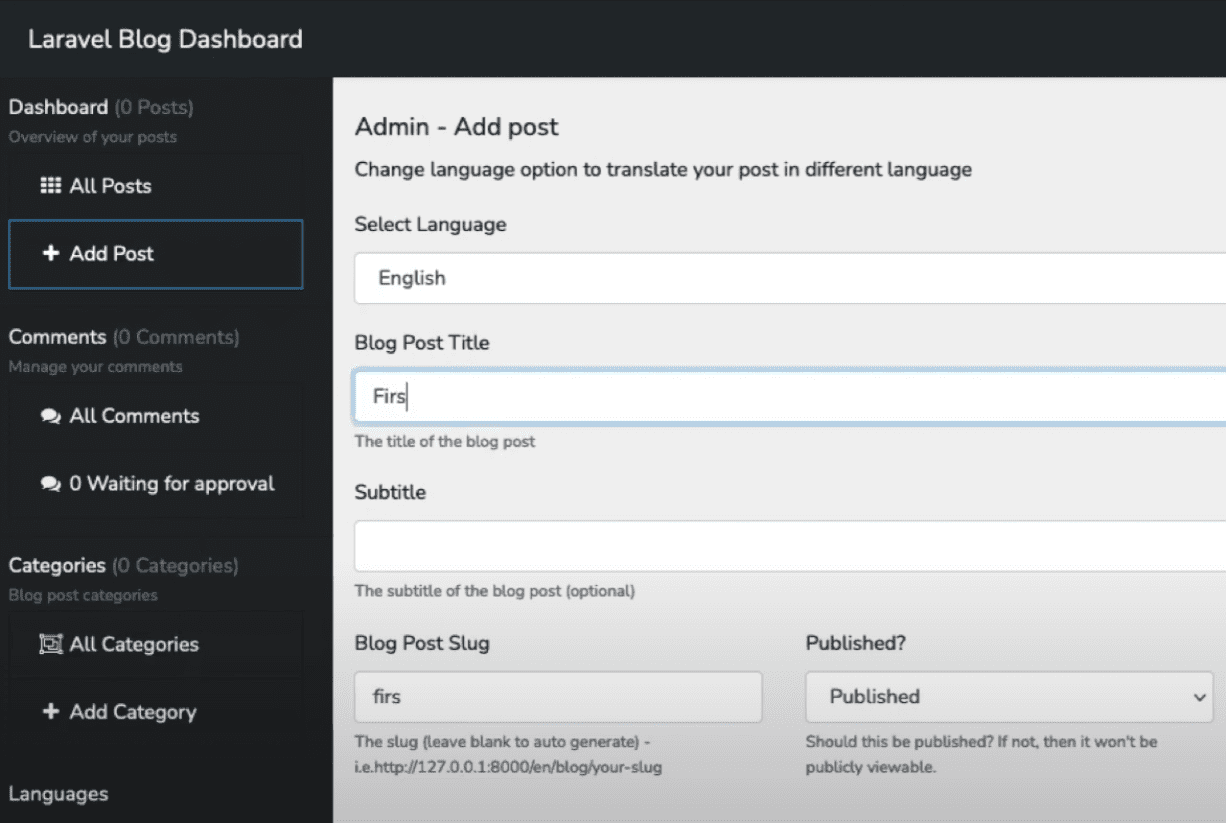 The alternative is to manually code and publish pages. That’s a valid approach, but if you plan to run a blog that publishes content frequently, you’ll want to use packages to handle the workload more efficiently.
WordPress vs Laravel PHP Framework: Security
Protecting your website from attacks and securing user data is key to any modern website. Here’s how Laravel and WordPress compare when it comes to security.
WordPress
One of the biggest advantages of using WordPress is that the platform regularly receives updates and security patches. If you keep WordPress itself, plus the themes and plugins you use, up to date, your website should be largely secure.
That said, there are plenty of additional steps you can take to further protect your site. Some plugins can help you implement features like Two Factor Authentication (2FA). You can also whitelist IP addresses, use web hosts that offer advanced security features, and more.
Laravel
Laravel provides many pre-programmed security features you can implement for your projects. These features are not enabled by default, which means you need to manually add them per project. They include:
- A user authentication system
- Protection against XSS attacks and SQL injections
- Email verification
- Password hashing and reset functionality
In addition to the pre-programmed functionality, Laravel offers packages to enhance security. Undoubtedly, Laravel is much more secure than most other PHP frameworks. However, there’s always more you can do to protect your site, so it’s essential to take a proactive approach.
WordPress vs Laravel PHP Framework: E-Commerce
Running an online store is one of the best ways to make money online. This section helps you decide which platform is best suited for the job.
WordPress
WordPress is a very user-friendly CMS for running an eCommerce store. Using the free WooCommerce plugin, you can create a storefront, upload products, process payments and shipping, and more:
You can also use WooCommerce extensions to add extra functionality to your store, such as product filters and customer reviews. Since you manage your store visually, it’s very easy to organize and sell your products.
Additionally, you can choose from other free and paid eCommerce plugins, such as Easy Digital Downloads. Overall, WordPress eCommerce is highly accessible.
Laravel
As we explained earlier, Laravel works with packages. Some Laravel packages can add complex functionality to your projects, such as publishing tools and eCommerce systems.
E-commerce packages like Aimeos and GetCandy can help you set up complex online stores:
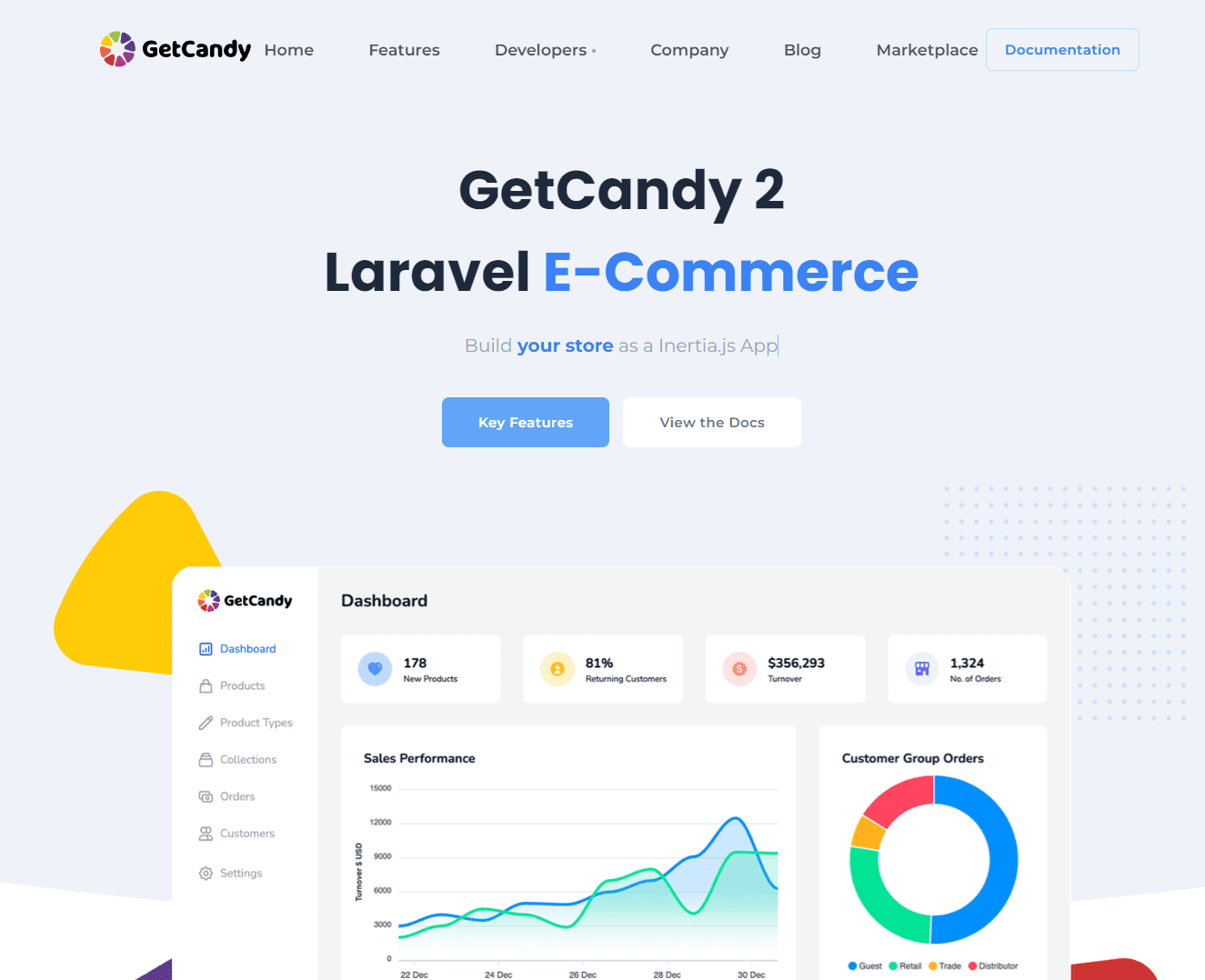 These eCommerce packages give you demonstrably more freedom than WooCommerce, since you can design more complex product, cart, and customer parameters. You typically also get access to an admin hub to manage all your sales. However, as with most Laravel features, you’ll need developer experience to get the most out of eCommerce packages.
Conclusion
Laravel and WordPress take very different approaches to building a website. With WordPress, you get a CMS that includes visual tools to help you build and manage every aspect of your site. Laravel, on the other hand, is a PHP framework where you have to rebuild your projects from scratch using pre-built functions and packages.
There is no absolutely better option for building a website. If you are an experienced programmer, you will likely appreciate Laravel for what it offers: an incredibly scalable and customizable framework that can adapt to your needs. On the other hand, WordPress works right out of the box, which can simplify and speed up some projects.
Do you have questions about using WordPress vs Laravel? Let’s talk about it in the comments below!
Featured image via Prabowo96 / shutterstock.com