
A good CMS, but how good is it really?
Websites are here to stay, whether you run a startup or a foundation. Almost every organization has a presence online with details about their business, services, contact information, customer reviews, and often a blog.
WordPress is popular
At this moment, there are nearly 2 billion websites, and according to Internet Live Stats, the number grows every second. Just over 30% of those websites are built with WordPress, a content management system (CMS) that can be downloaded for free.
What started as an Open Source blogging platform has grown into one of the world’s most popular website development packages. Often, this is for good reasons:
- - WordPress has a large community of developers working to continuously improve it.
- WordPress is SEO-friendly, which is essential for getting your website to stand out in search engine results like Google
- WordPress offers a large number of built-in and external themes.
- WordPress is often scalable (responsive), meaning your website looks great on both laptops and mobile devices.
Is WordPress really the best choice?
So if you’re thinking about a new website for your business, you might assume that a free, popular platform is the right choice. It’s certainly true that WordPress has a lot of advantages. But of course, every package has its drawbacks. Here are some reasons why we don’t recommend WordPress for every website.
Many maintenance and security releases
‘What’s wrong with maintenance releases?’ you might think. ‘Aren’t they good?’ Sure, but if you look at the WordPress release page, you’ll see how often maintenance and security updates are released. This is something you always need to keep an eye on.
Keep in mind that updates can affect your website and plugins, as I’ll explain below.
Plugins are always necessary
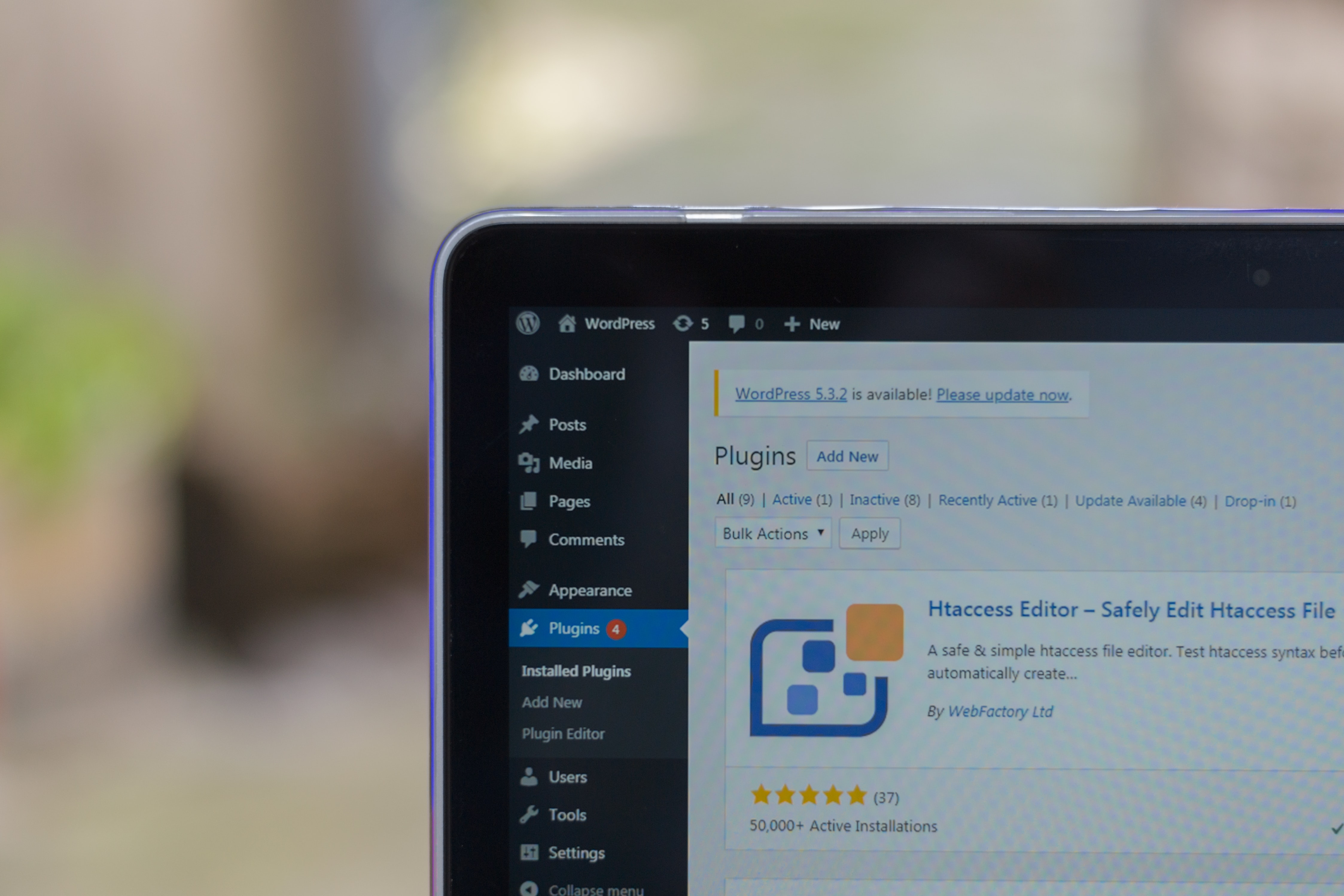
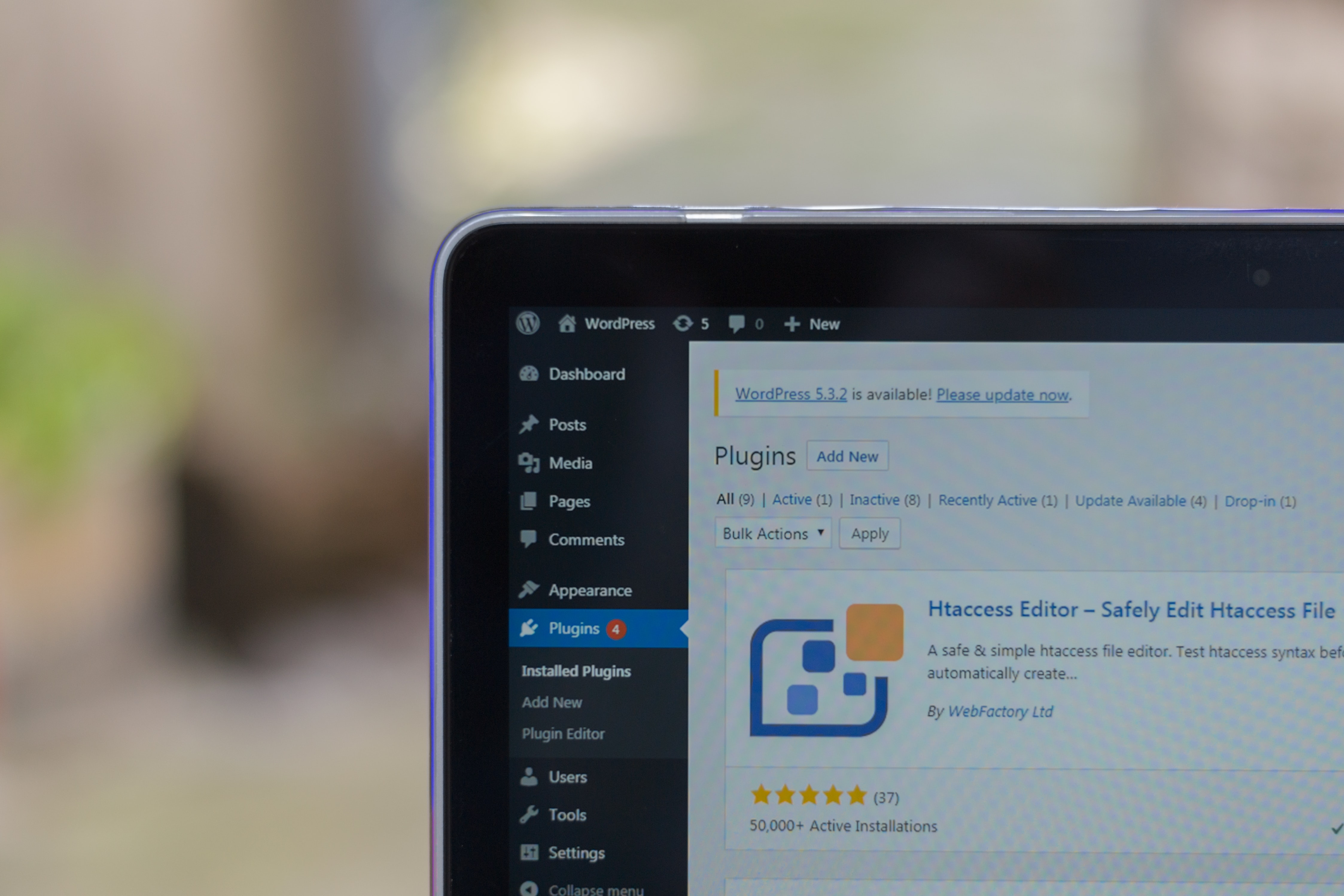
While WordPress can do a lot, its basic platform is still limited compared to a custom-built site. To work around this limitation, WordPress users and developers have created plugins to enhance WordPress. At first glance, this seems like a good idea, but some common plugin issues include:
WordPress updates: WordPress updates can break plugins. But without updates, your website may be vulnerable to attacks. You’ll often have to decide whether convenience or security is more important for your organization’s website and your relationships with clients or customers
Delays: WordPress can be slow if it’s not optimized. And even the basic code can be sluggish. Adding many plugins can make WordPress even slower. And what do visitors do when a website takes too long to load? They go to another site—costing you potential customers. A slow website also hurts your search engine ranking (SEO).
Outdated plugins of varying quality: Just like the Apple App Store and Google Play Store, the WordPress plugin ‘store’ can be a minefield of outdated or low-quality plugins that ultimately do more harm than good for your website. Plugins that haven’t been updated for newer versions of WordPress can negatively impact your site’s performance and security.
Plugin conflicts: Plugins from different developers can conflict with each other. That popular e-commerce plugin might not work well with your SEO plugin, potentially breaking your site. E-commerce plugins add shopping functionality to a WordPress site, but they can’t always meet very specific needs like a custom-built site can. And what if a critical WordPress update isn’t compatible with your e-commerce plugin? How much will it cost your business until the plugin is updated?
No optimal database
The WordPress database stores all the content on your website, from the homepage to the contact page and everything in between. This includes your blog, as well as your products and customer data if you use an e-commerce plugin. WordPress stores this data in a single table.
The downside of this approach is that it lacks scalability, as there are limits to the number of data rows that can be stored and retrieved for larger datasets.
WordPress 5.0, a major update
The long-awaited release of WordPress 5.0 in late 2018 drew more attention than any previous WordPress release. But as with any major release, there was some controversy. A new implementation of the WordPress editor caused layout issues on websites. People found a workaround by installing the previous editor as a plugin, but problems like these are incredibly frustrating for website owners.

Managing your own website or outsourcing it?
A major reason many people are drawn to WordPress is the idea of having full control over their website. But if your WordPress site requires multiple plugins, managing it isn’t as easy as it seems.If your WordPress site relies on many plugins, you’ll often need to hire a developer to work on it.
And developers often prefer not to work with WordPress but with other tools to manage complex websites.
Themes – how unique are they?
One of WordPress’s biggest selling points is its theme system. But at the same time, it’s also its biggest weakness. Once you choose and install a theme, you’ll notice your site starts to look like many others. Of course, your site has its own branding, but you can’t escape the fact that it still looks like a WordPress site.
Conclusion
We believe WordPress has its place. But we don’t believe it’s a solution for every possible website. As website functionality requirements grow more complex, WordPress often demands too much maintenance and too many plugins to work effectively for your organization.
Especially in terms of scalability, expansion, and performance, WordPress often falls short compared to other solutions.
What do we recommend?
While we do work with WordPress, for many web-based applications and advanced websites, we prefer using a framework. This allows us to build websites with code blocks that we can easily extend and customize.
This way, we can create websites tailored to our clients’ specifications instead of being limited by the existing features of third-party plugins.
One of the frameworks we love is Exolog. In addition to being a framework, it also includes a content management system (CMS) that allows customers to manage their websites.
Have more questions?
Call Martijn at 06 480 840 58, schedule an online meeting, or send him an email, because your website is one of the most important decisions you’ll make for your business. Simply put, it’s the digital bridge to your customers. You want it to be as effective as possible—and that’s where we can help!